
Using GPS
There is some theory needed when using GPS on the Mesh.
First of all, GPS is only transmitted on the Primary Channel when the following conditions are met:
-
Everyone else has the same Primary Channel and crypto key.
-
Location is enabled.
-
GPS is enabled on the Device OR GPS is enabled on your Phone/Tablet
-
Your Phone/Tablet supports GPS onboard
-
Your Phone/Tablet is connected to the device if you aren’t using the onboard GPS.
-
Whew!
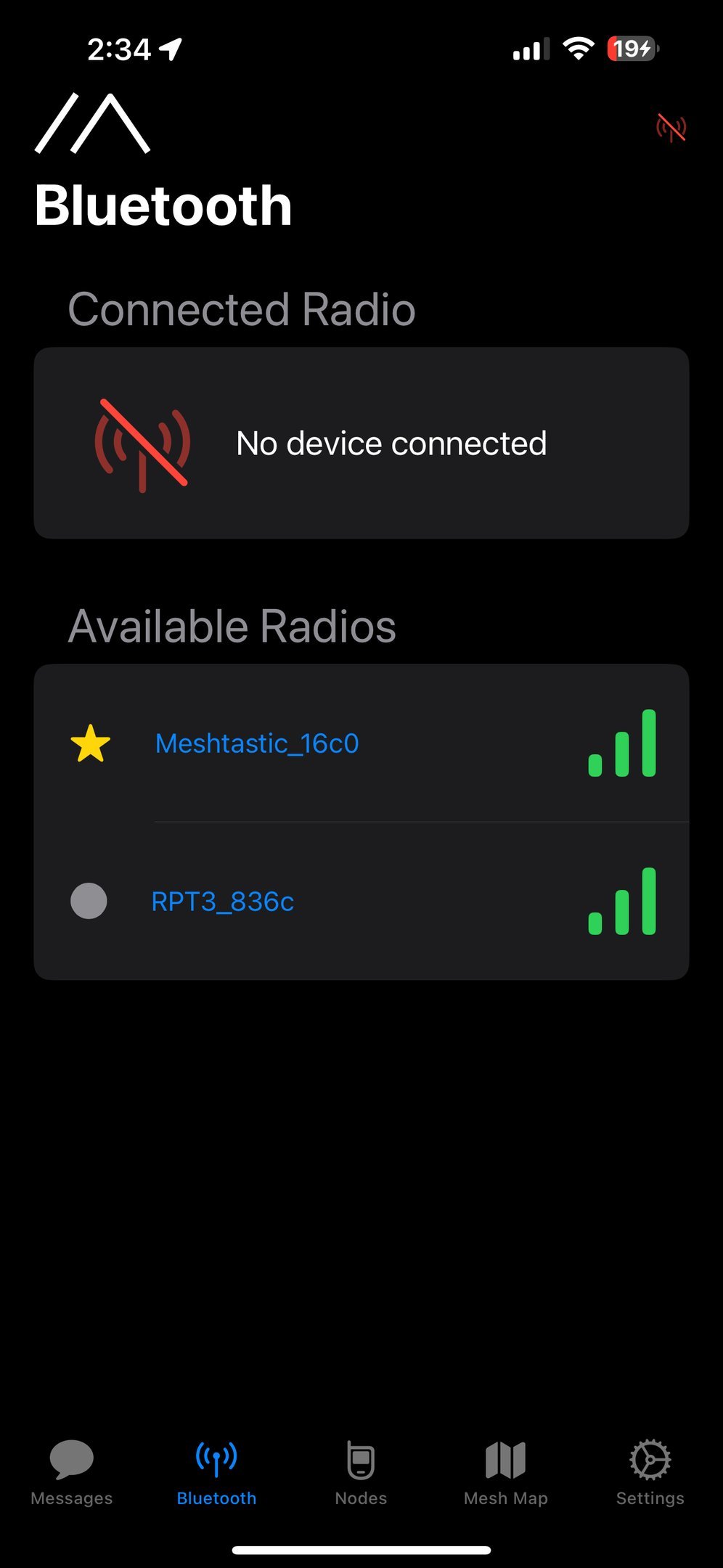
Turn on Phone Location
-
Go to Settings
-
App Settings
-
Share Location = On
Turn on Device Location Sharing
-
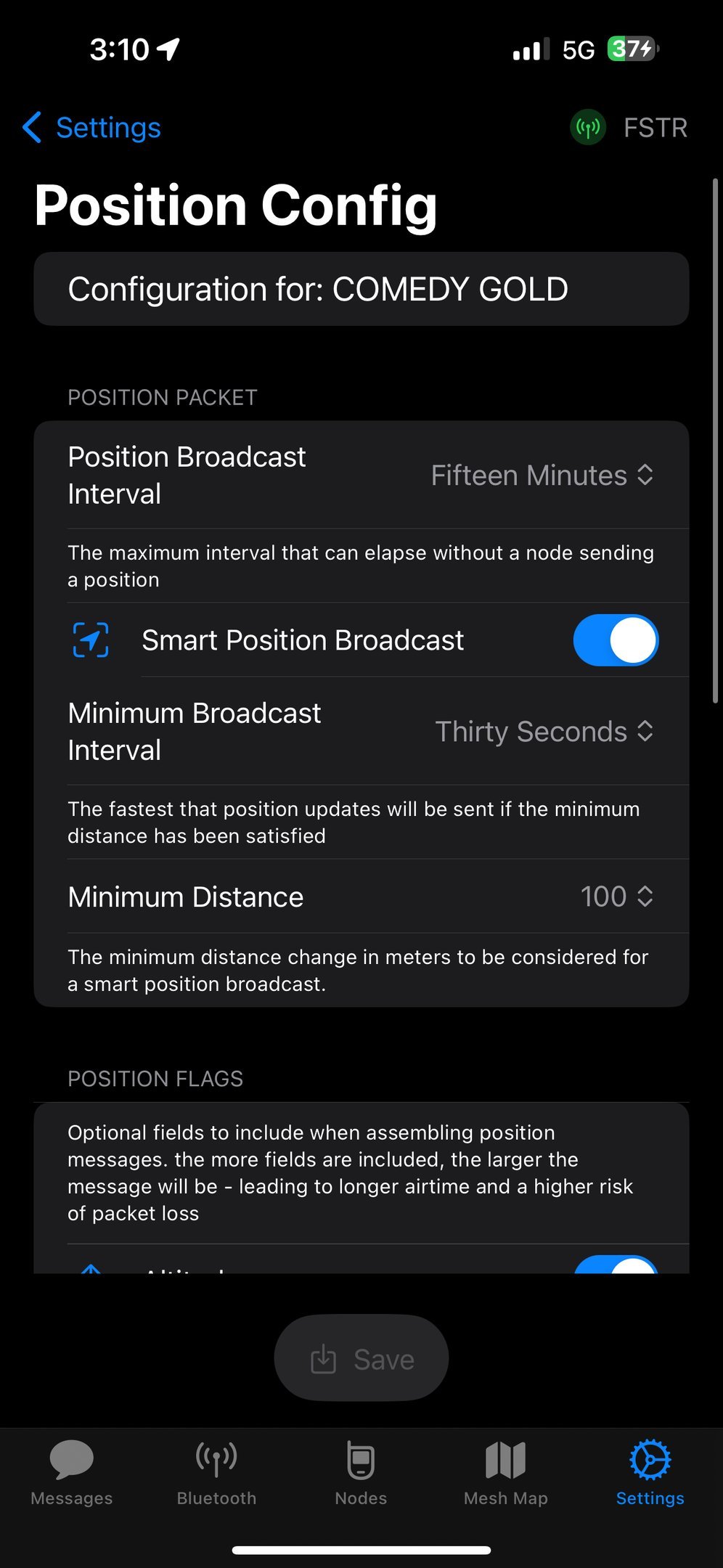
Go to Settings – > Position
-
You can increase position interval, but its not recommended. It will increase battery usage and channel usage.
-
Instead, use Smart Position broadcast to tell other nodes only when you are moving. 10m is good for dismounted use and 30m is good for a vehicle.
-
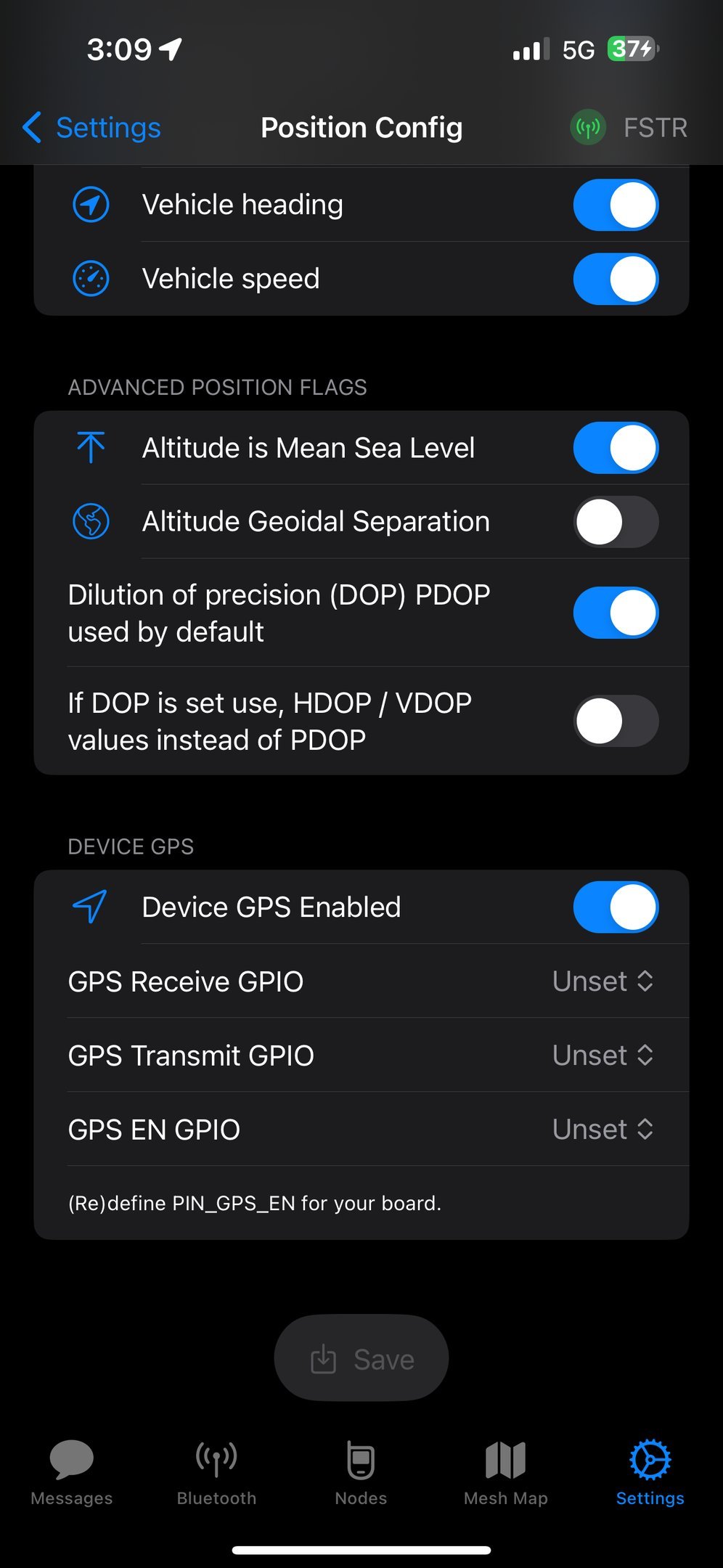
If you have a device GPS, you can turn it on at the bottom of this screen. If primarily hooked to a device with GPS, turn this off to save battery.
-
Click Save
-
The radio will reboot.
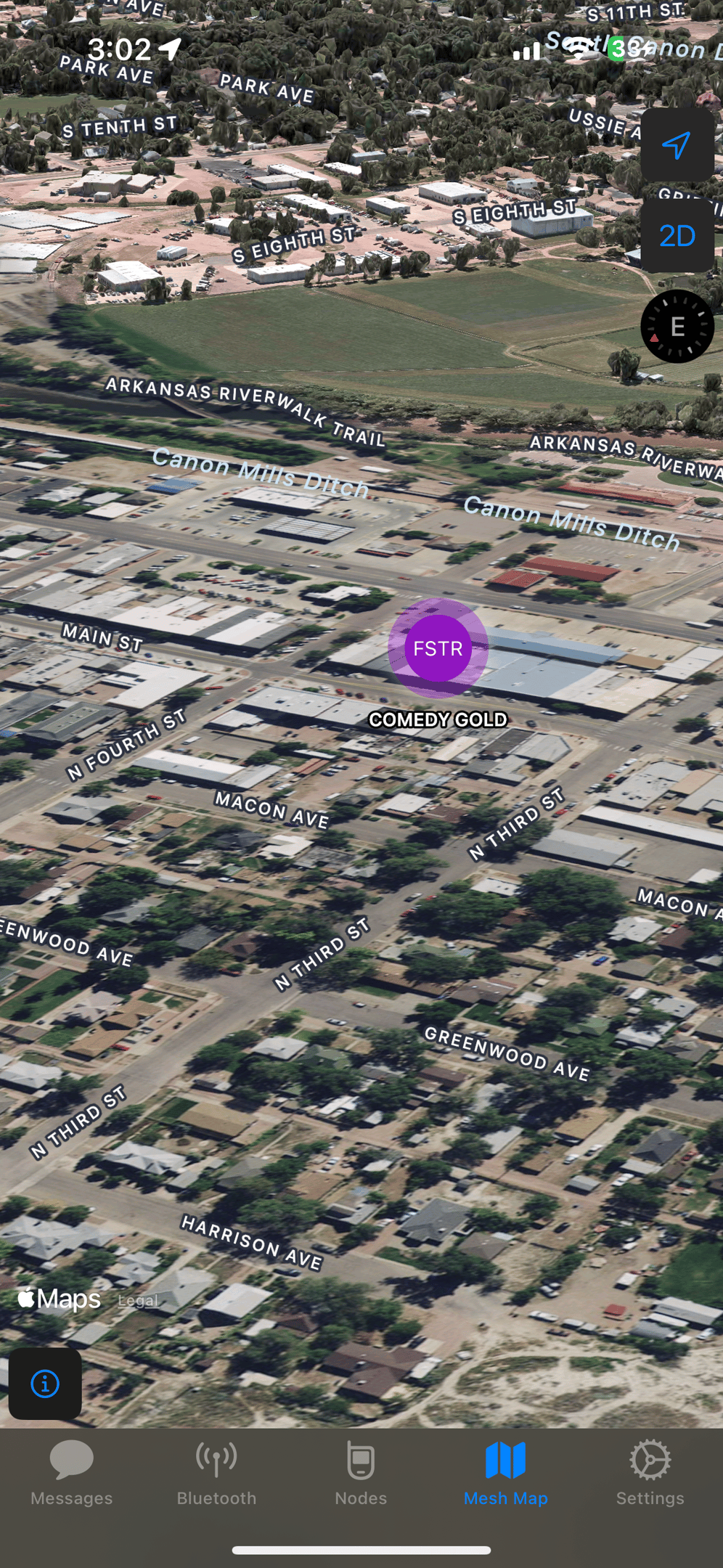
Go Check out the Map
-
Click on Node Map
-
You can turn tracks on and off
-
The map is better if you have the ability to download sat views and such.